Software
The Software page is where SaaS subscriptions, perpetual licences, and seat-based products live alongside the laptops and monitors. Treating software as inventory makes it possible to spot under-utilised subscriptions, plan renewals, and avoid the classic "we have 30 seats but only 12 people use it" surprise at the next true-up.
The Software module is currently in Beta — features may shift based on what early users tell us. The fields and behaviour described here are stable; let support know if you'd like to see something added before general availability.
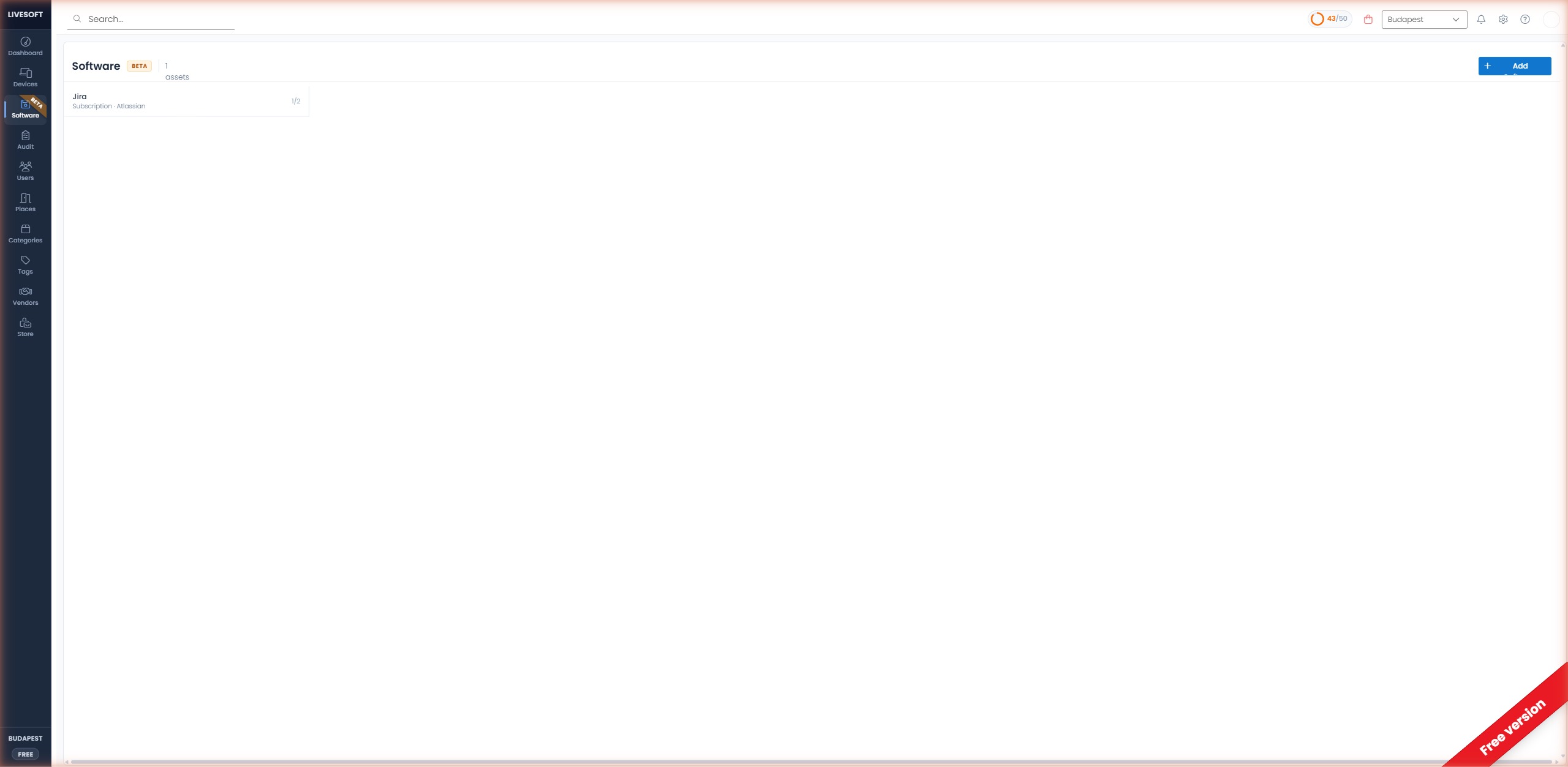
Page Layout
- Title bar — Displays the
Softwareheading with a Beta badge and the total number of software assets. - Add Software button — In the top-right corner, used to register a new software asset.
- Software list — Each tile shows the software name, type (e.g. Subscription), vendor, and license usage (e.g.
1/2seats in use).
Add a Software Asset
- Click the + Add Software button in the top-right corner.
- Provide the following information:
- Name — Software product name (e.g. Jira, Microsoft 365).
- Vendor — Supplier or publisher (e.g. Atlassian).
- Type — License model (Subscription, Perpetual, Per-seat, etc.).
- Seats / Licenses — Total seats purchased.
- Click Save to add the asset to your inventory.
Track License Usage
The seat counter on each tile (used / total) gives you at-a-glance visibility into license utilization. This helps you:
- Avoid over-purchasing seats.
- Identify under-utilized subscriptions.
- Plan renewals and true-ups with confidence.
Search and Filter
Use the global search bar in the top navigation to quickly find a software asset by name or vendor.