Places Page Overview
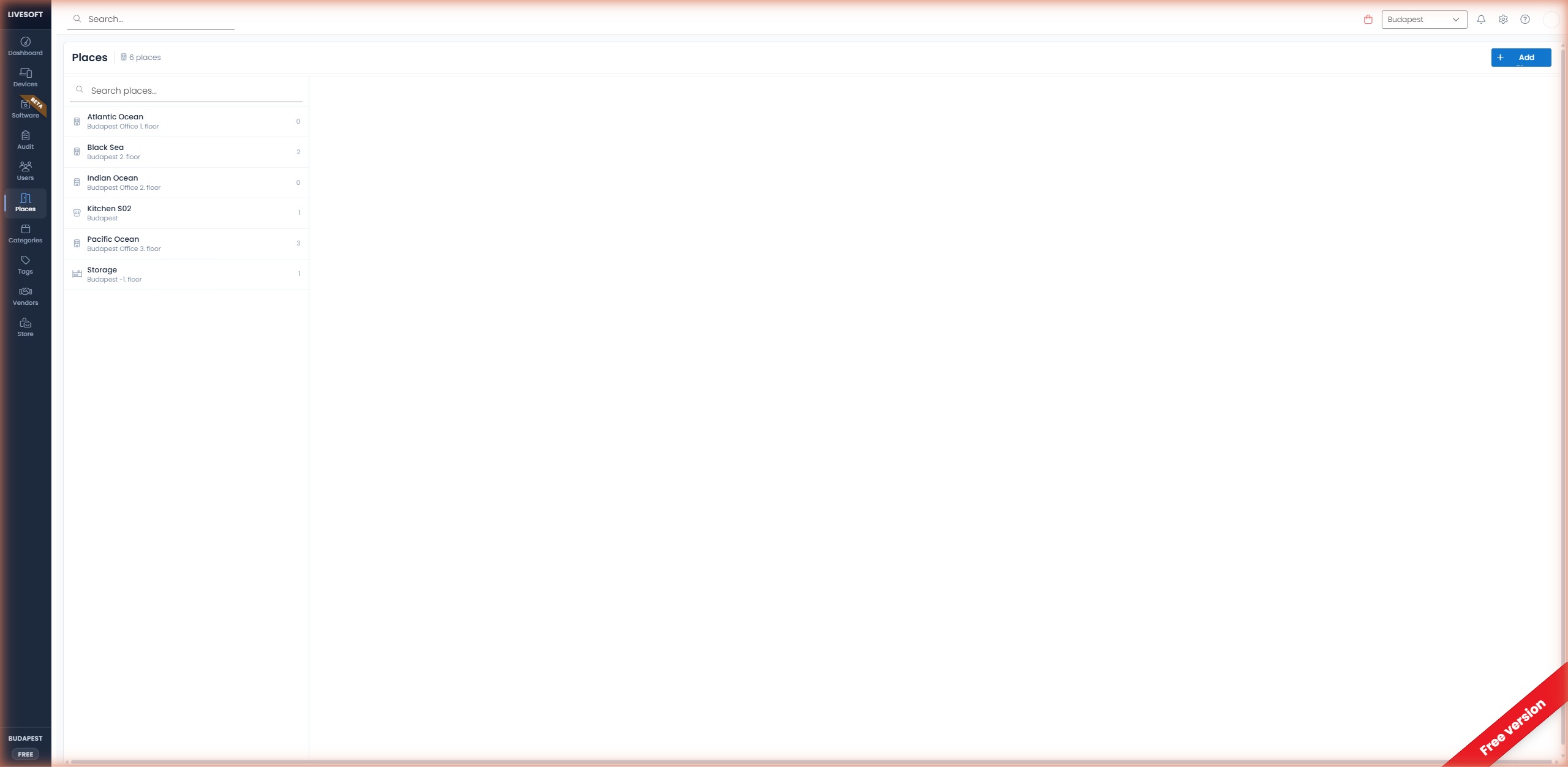
The Places page is where you see what hardware is physically where. The header gives you a quick count, the left panel lists every place you've registered, and the right panel shows the devices currently at the selected location.
Finding a place
Once you have three or more places, a filter field appears at the top of the page. Type at least two characters and press Enter to narrow the list by name; clear the field to return to the full set. Pagination controls below the list appear when the list outgrows one page.
Inspecting a place
Click a place to open its device list on the right. Each row shows the device with the columns you need to identify and reconcile what's there:
| Column | Description |
|---|---|
| Device name | Name of the device |
| Category | Assigned category |
| Serial number | Manufacturer serial number |
| Barcode | Assigned barcode |
| Warranty | Warranty expiration date |
| Tags | Tags applied to the device |
Place actions
The top-right corner of the detail pane holds the actions for the selected place:
- Pencil icon — Edit the place's name, location, or type.
- Bin icon — Delete the place. The devices that were assigned to it become unassigned, but the device records themselves are untouched.