Vendors Page Overview
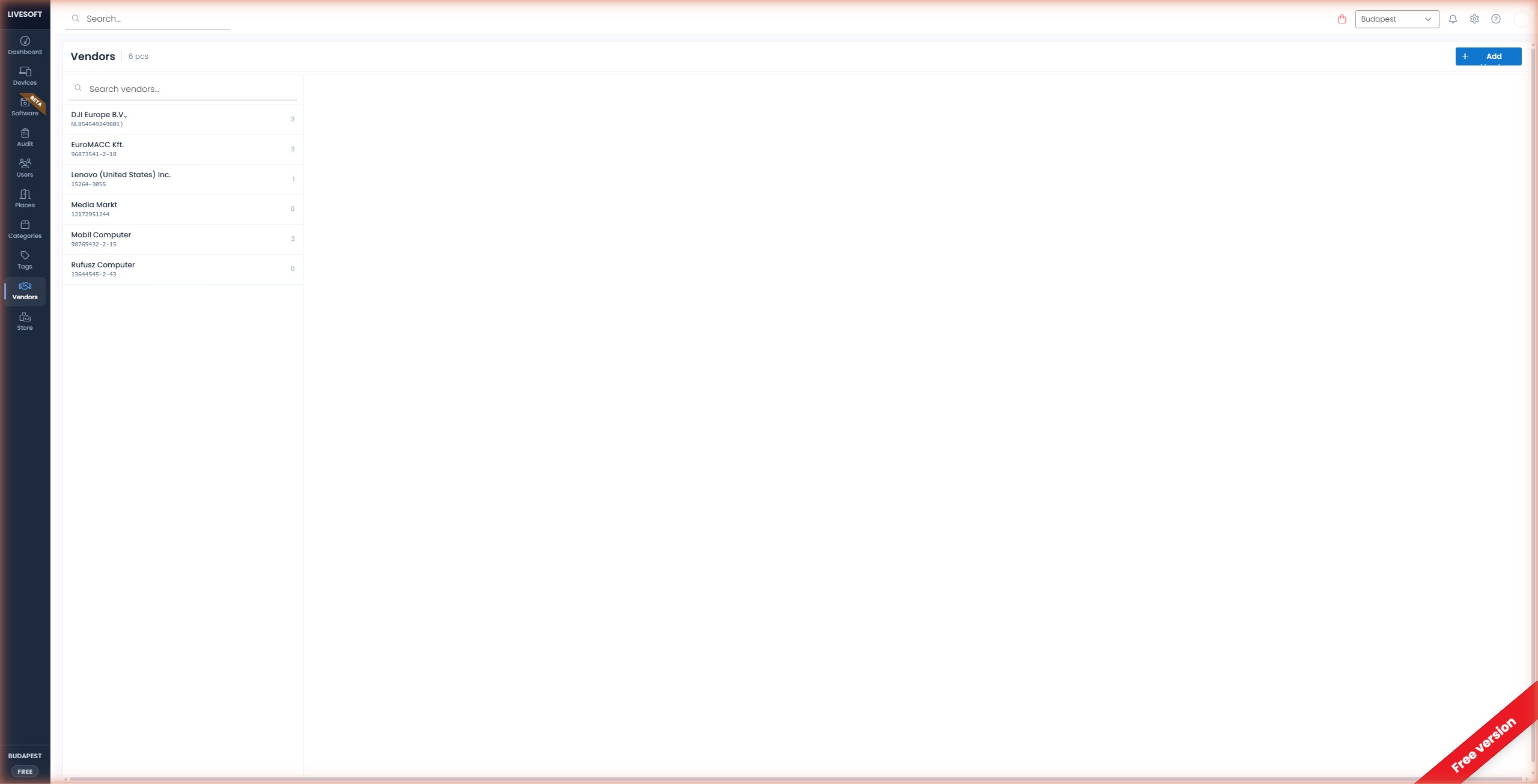
The Vendors page is where you see which suppliers your fleet came from and how much hardware you've bought from each. The header gives you a count, the left panel lists every vendor, and the right panel shows the devices linked to the selected vendor.
Finding a vendor
Once you have three or more vendors, a search field appears at the top of the page. Type at least two characters and press Enter to narrow the list; clear the field to return to the full set. Pagination controls at the bottom appear when the list grows beyond one page.
Inspecting a vendor
Click a vendor to open its device list. Each row links the device to its purchase — handy for spot-checking invoices, reconciling spend by supplier, or building a procurement report:
- Name, category, serial number, barcode — to identify the device.
- Invoice number and invoice date — to tie the device back to the purchase.
- Warranty, tag, and assigned location — for current state.
Vendor actions
The top-right corner of the detail pane holds the actions for the selected vendor:
- Pencil icon — Edit the vendor's name, address, or tax number. Existing device links are preserved.
- Bin icon — Delete the vendor. See Delete a Vendor for what that affects.