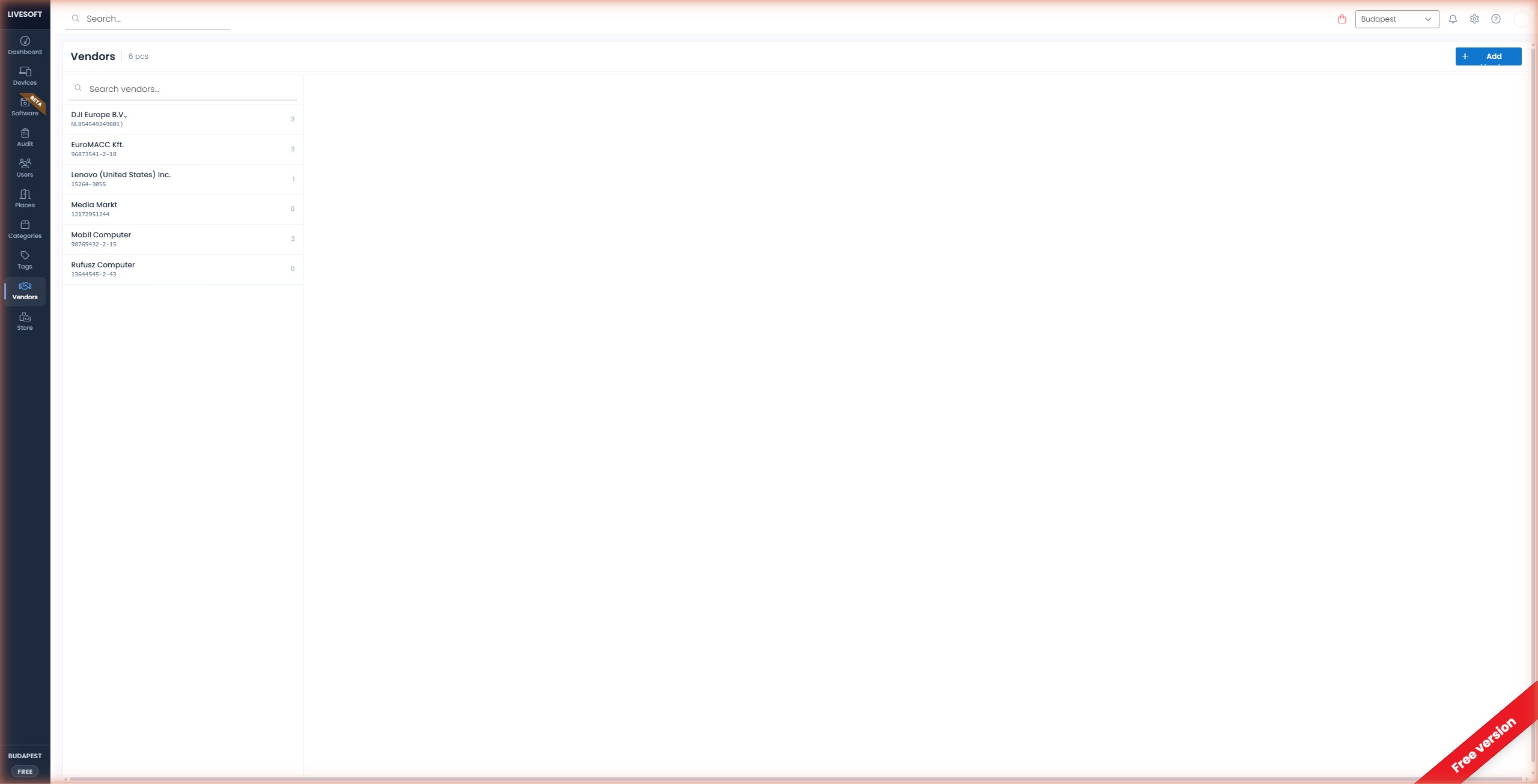
Vendors Page Overview
-
The Vendors header displays the total number of vendors you have created.
-
Use the search field at the top of the page to find a specific vendor. Enter at least two characters and press Enter. Clear the field to exit the search.
infoThe search field is only visible when you have three or more vendors.
-
The left panel lists all available vendors. Click a vendor to open its detail panel on the right, which displays all associated devices with their name, category, serial number, invoice number, invoice date, barcode, warranty, tag, and assigned location.
-
Use the pencil icon to edit the selected vendor.
-
Use the bin icon to delete the selected vendor.
-
Use the pagination controls below the list to navigate through pages.