Barcode Settings
Configure how device barcodes are generated in your tenant. Found under Settings → Devices → Barcode.
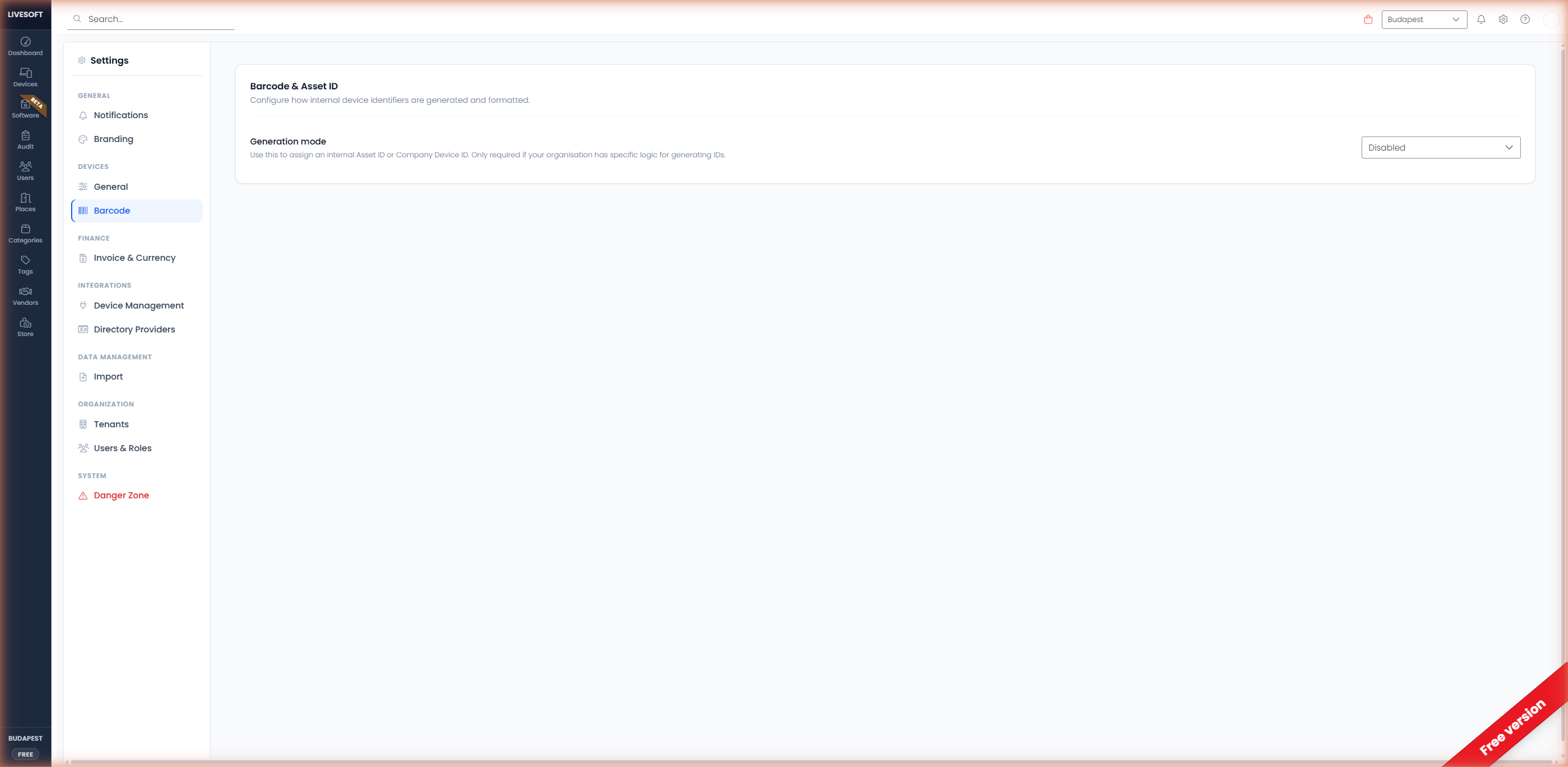
Configuration
Select a barcode mode from the dropdown:
| Mode | Description |
|---|---|
| Disabled | No barcodes are generated for devices. |
| Asset ID | Barcodes are generated based on the internal asset ID. |
| Company Device ID | Barcodes follow your company's device numbering convention. |
tip
Barcode generation is optional — most organizations can use the default Disabled mode. Enable it only when your workflow requires physical labels that must match a specific internal standard.
Generated barcodes are displayed on device detail views, the list view, and the audit page so they can be scanned with a mobile phone camera or a USB barcode reader.