Users & Roles
Manage administrator access to your TheStorage tenant. Found under Settings → Organization → Users & Roles.
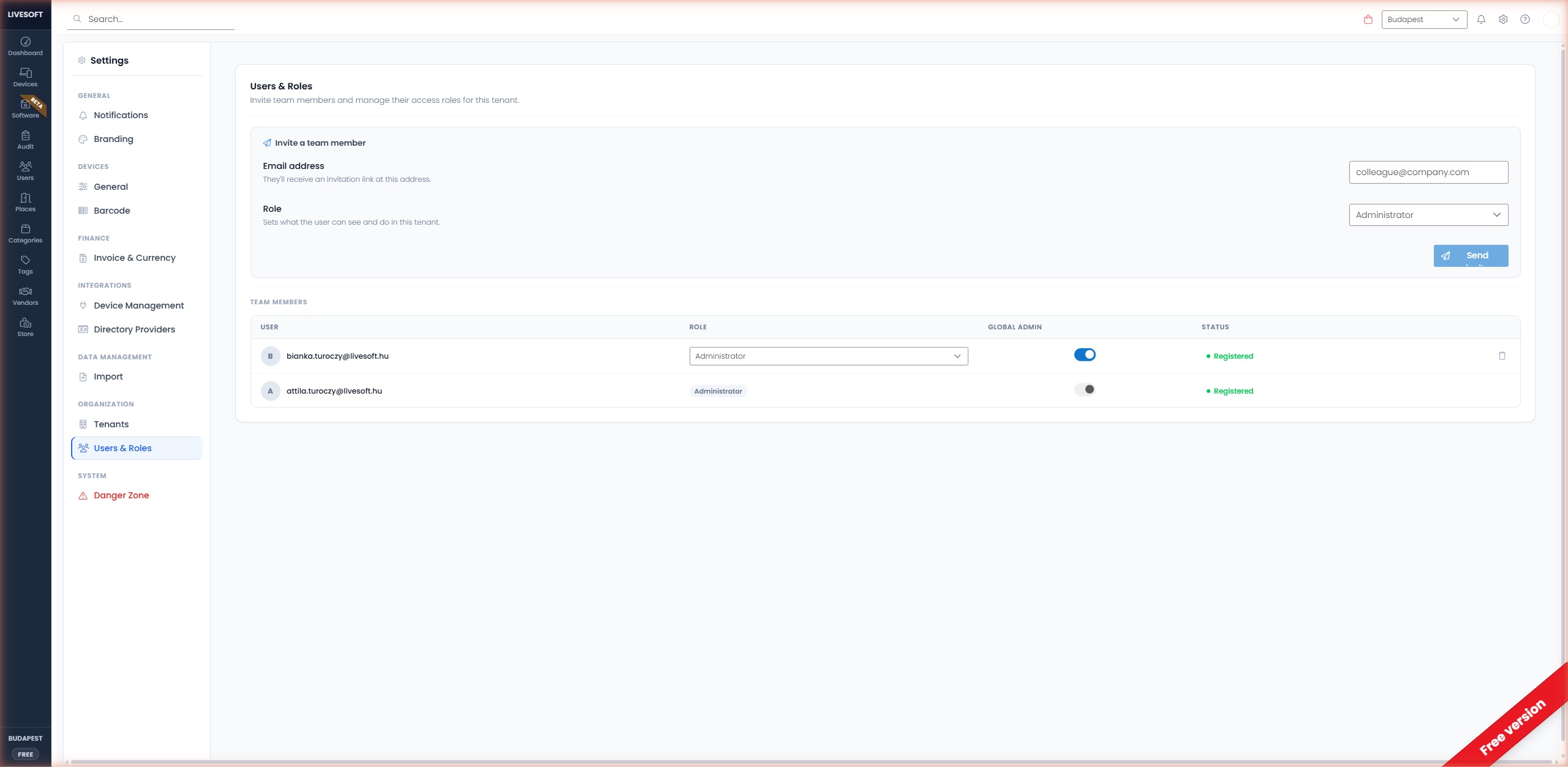
Overview
Administrators can invite other users to manage devices, settings, and organizational data in TheStorage. Each invited user can be granted a specific role that controls their permissions.
Invite a User
- Enter the email address of the user you want to invite.
- Select a role from the dropdown:
- Administrator — Full access to all settings and data.
- Operator — Manage devices but no access to billing or dangerous actions.
- Viewer — Read-only access to inventory.
- (Optional) Enable Global Role to grant the role across all tenants in your organization.
- Click Invite.
The invited user receives an email invitation. Their status is Pending until they accept; after accepting, the status becomes Registered.
Manage Existing Users
The Users list displays:
| Column | Description |
|---|---|
| The user's email address | |
| Role | Their assigned role |
| Global Role | Whether the role applies to every tenant in the organization |
| Status | Pending (invitation not yet accepted) or Registered |
Use the action icons next to a user to:
- Edit role — Change their role or global-role flag.
- Remove access — Revoke their administrator privileges. This does not delete their user account; it only removes their access to TheStorage.
Whether you can change roles here depends on the Role management setting under Settings → User Provisioning ("Manage roles from"):
- Identity provider groups — roles come from your directory's SCIM groups, and the Edit role control is read-only. TheStorage shows "Roles are managed by your identity provider's SCIM groups and cannot be changed here." Change the user's group membership in your identity provider instead (see Entra role groups or Okta role groups).
- In-app — from the Users page — roles are assigned here and stick; a directory sync never overwrites them.
The Identity provider groups option is only available for providers that push SCIM groups (Microsoft Entra ID and Okta). Google Workspace and native tenants only offer In-app, so role editing always stays enabled for them. The tenant owner can always be edited in-app, regardless of the setting.