Device Display Settings
Configure how device owners are labelled and where new devices are placed by default. Found under Settings → Devices → General.
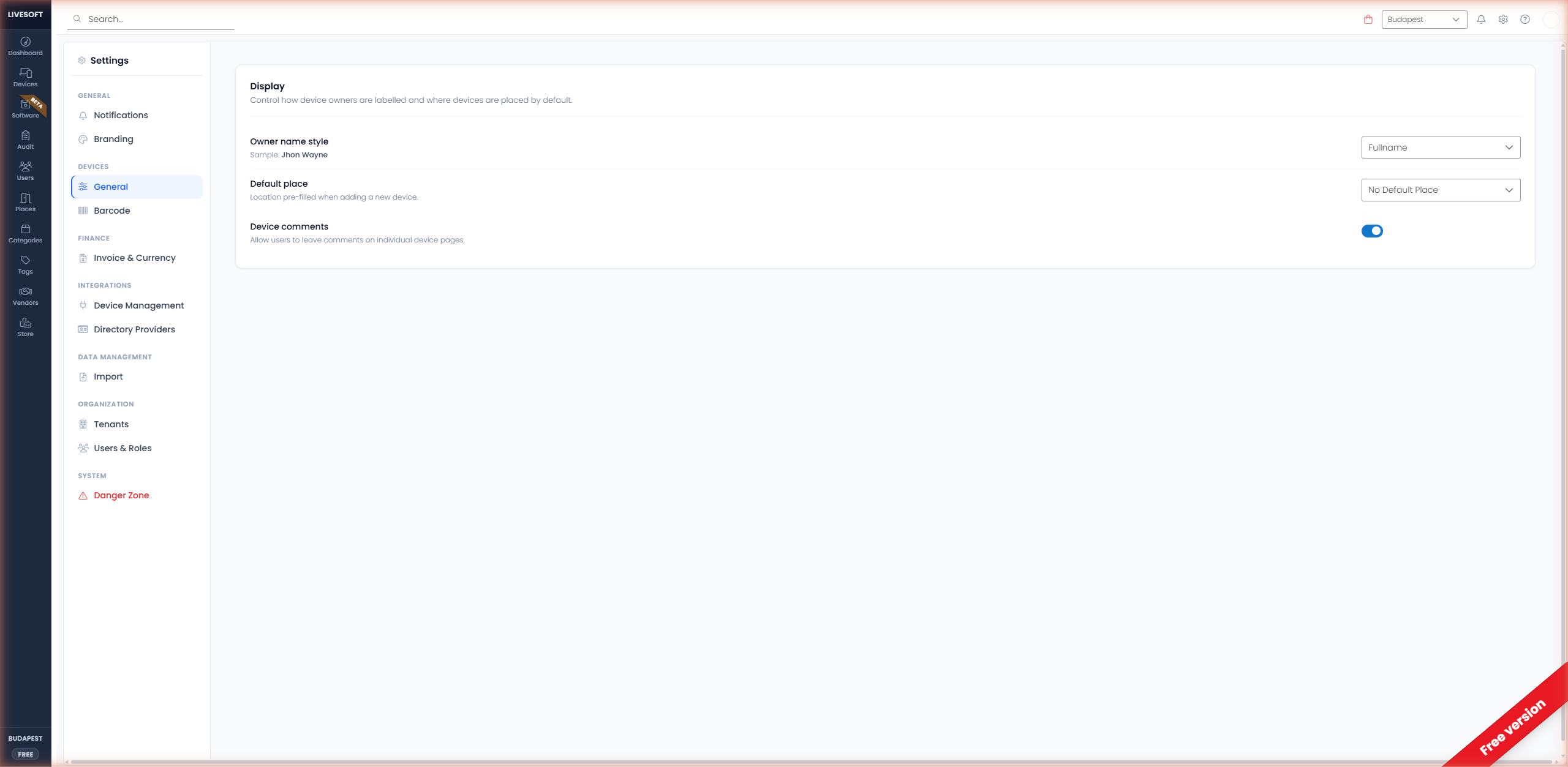
Owner Name Style
Choose how user names are displayed throughout the application:
| Format | Example |
|---|---|
| Fullname | John Wayne |
| Email address | jwayne@company.com |
| Username | john.wayne |
| Fullname + Username | John Wayne (john.wayne) |
A preview below the dropdown displays a sample name in the selected format.
Default Place
Select a default location for newly added devices. When a default place is set, every new device is automatically assigned to that location.
Choose from any place you have created, or select No Default Place to disable this feature.
Device Comments
Toggle this switch on to enable the comment section on the Add Device and Edit Device pages. Comments support up to 200 characters and are visible on the device detail panel.
Disabling the switch hides new comment input but preserves existing comments.