Invoice & Currency
Configure invoice management and the default currency for your tenant. Found under Settings → Finance → Invoice & Currency.
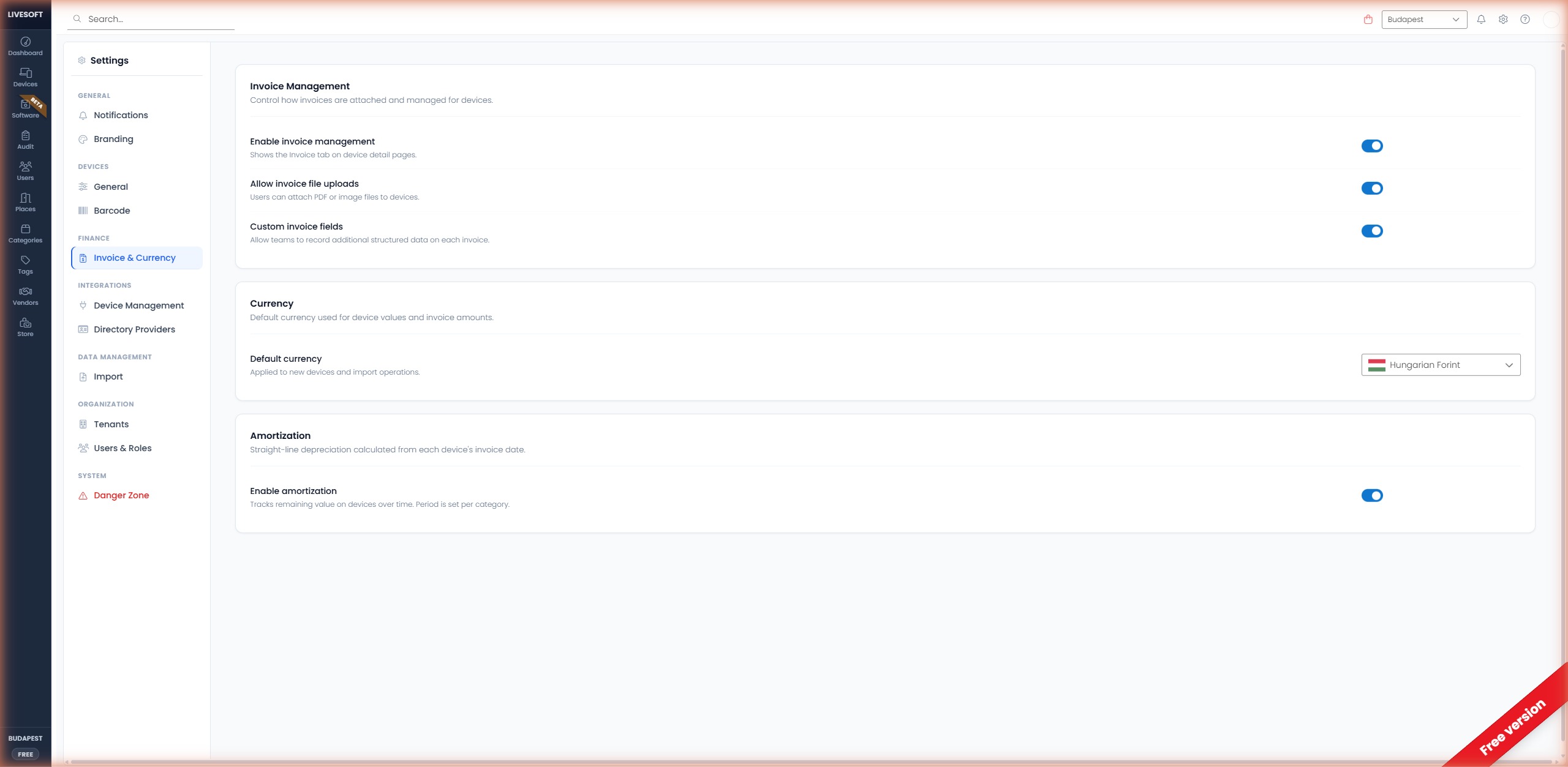
Invoice Management
Enable Invoice Management
When enabled, an invoice section is displayed on the Add Device and Edit Device pages with the following fields:
- Invoice number
- Invoice date
- Vendor
Disabling this setting hides the invoice section but preserves previously entered data.
Allow Upload Invoices
When both Enable Invoice Management and Allow Upload Invoices are on, you can attach invoice documents (PDF) directly to devices. The upload area supports drag-and-drop or click-to-browse.
Allow Custom Invoice Data
When both Enable Invoice Management and Allow Custom Invoice Data are on, an Extension / PO field appears next to the vendor. Use it to store company-specific information such as purchase order numbers, project codes, or internal cost-center IDs.
Default Currency
Select the default currency for your tenant from the dropdown. When adding or editing a device, you can enter the purchase price in any original currency and the system automatically converts and displays the price in the default currency using the daily exchange rate.
The converted price is shown in blue text under the original price on the Add Device and Edit Device pages.