Directory Providers
Connect an identity provider to synchronize users and groups into TheStorage. Found under Settings → Integrations → Directory Providers.
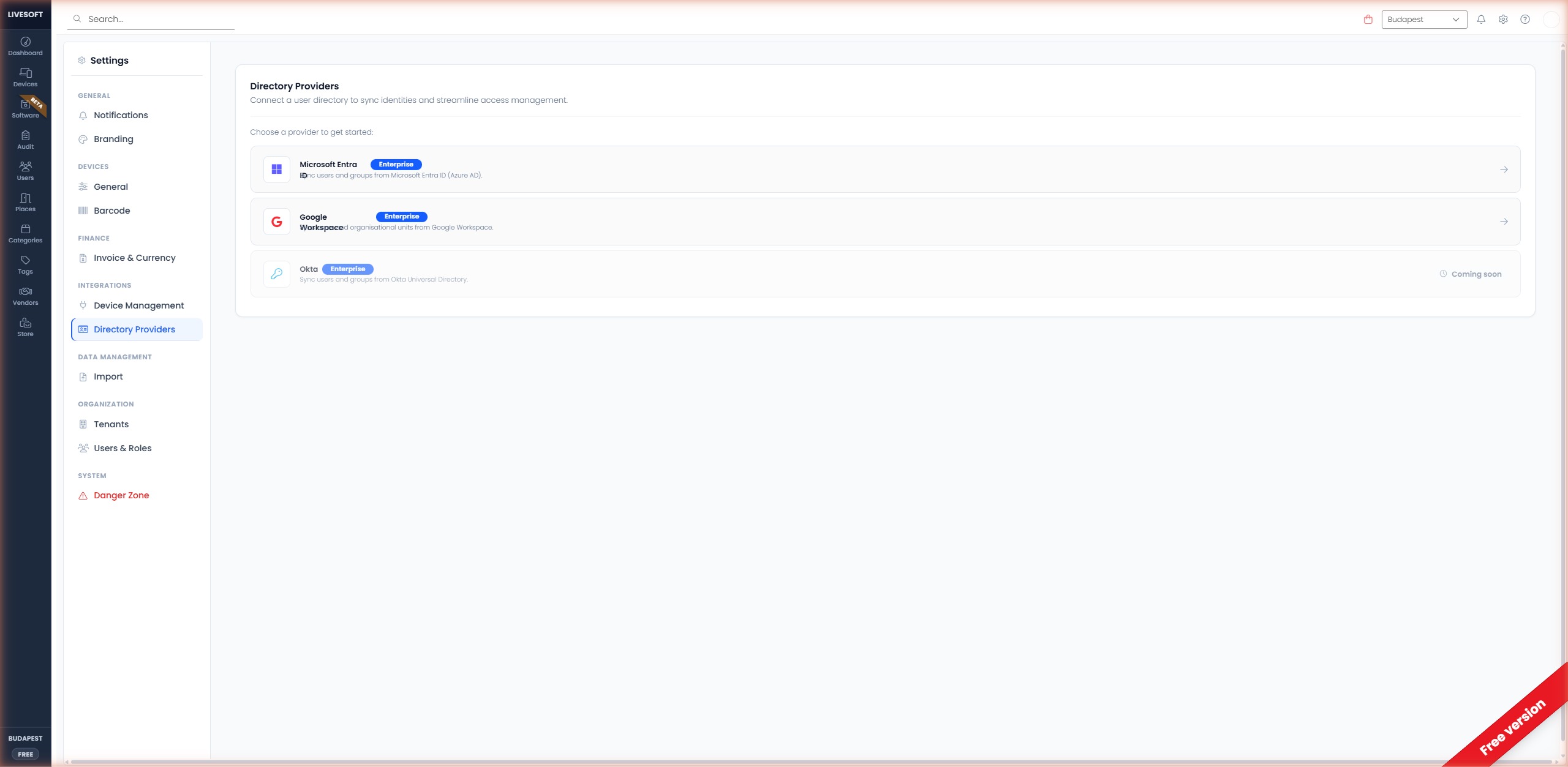
Supported Providers
| Provider | Status | Description |
|---|---|---|
| Microsoft Entra ID | Enterprise | Sync users and groups from Microsoft Entra ID (formerly Azure AD). |
| Google Workspace | Enterprise | Sync users and organizational units from Google Workspace. |
| Okta | Coming soon | Sync users and groups from Okta Universal Directory. |
info
Directory provider integrations are available with an Enterprise subscription.
Microsoft Entra ID
Click Microsoft Entra ID to start the setup wizard:
- Create an App registration in the Azure portal.
- Copy the Application (client) ID, Directory (tenant) ID, and a Client secret into the TheStorage setup form.
- Grant the Directory.Read.All API permission and provide admin consent.
- Save the configuration. The first synchronization runs automatically.
Google Workspace
Follow the Google Workspace Integration guide for a step-by-step walkthrough of:
- Creating a Google Cloud project.
- Creating a Service Account with domain-wide delegation.
- Granting the
admin.directory.user.readonlyscope. - Uploading the JSON key file to TheStorage.
After Connecting
Once a provider is connected:
- User data is synchronized daily at 08:00 CET by default.
- You can trigger a manual sync from the Users page using the Sync Users button.
- The sync processes approximately 1,000 users per minute.
Switching Providers
You can disconnect a provider at any time. Disconnecting preserves device assignments but stops future user synchronizations. Reconnecting the same provider re-links existing users automatically.